Active Questions App Instructions
You need to open a Google account and create a Google Form. It’s like a survey form, except you use it to answer your daily Active Questions.
Step 1
Go to Google and log in. In the top right hand corner, you can see 9 squares. Click there to bring up all the Google products.

Step 2
Scroll down and click the Google Forms option.

Step 3
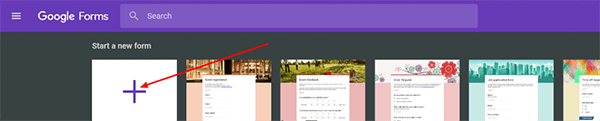
Click to create a new Form.
Step 4
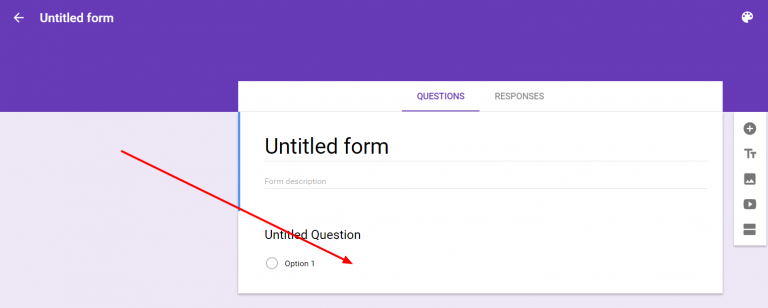
Click on a question and this opens up the settings to define the type of questions.
Step 5
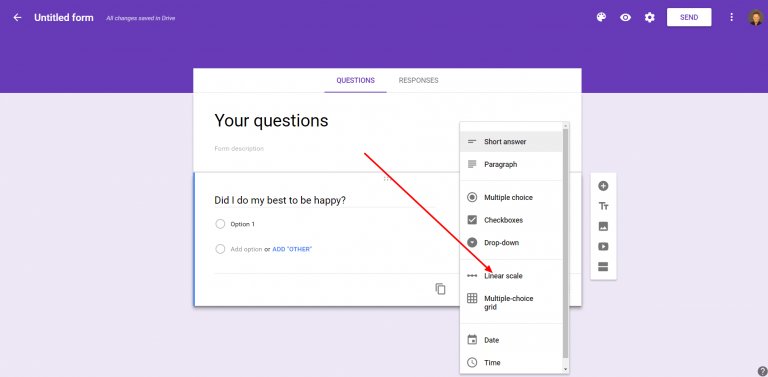
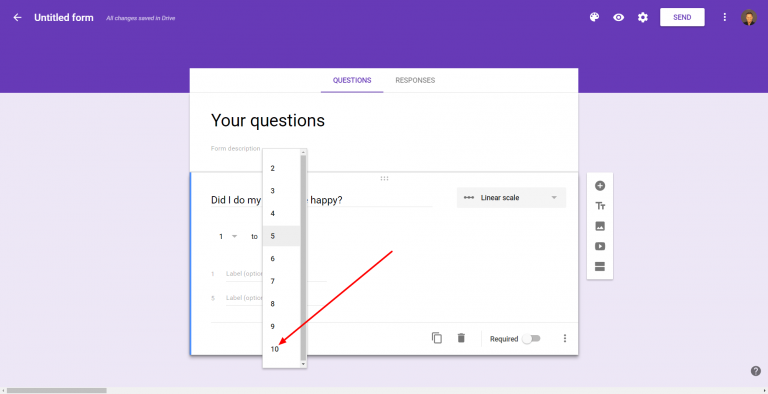
There are plenty of questions types. The Yes/No check box or the linear scale are normally the best.
Step 6
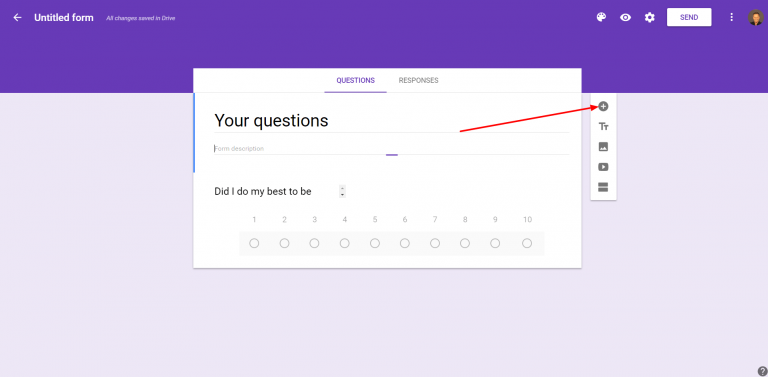
You can set the linear scale to be a choice between 1 and 10.
Step 7
Create your questions.